Record a delivery that had no purchase order on the day it arrives, with the supplier, the items, the quantities and the price the supplier charged. If you do not, your stock is short by that much, and the next count will find it. In Wady Central you do it from the Stock page with Receive without an order. This guide covers when to use it, what to check at the door and the steps.
Key takeaways
A delivery with no order behind it is an ordinary case: a spot buy, a supplier you do not order from through Wady, or an extra item the driver brought.
Record it on the day, or stock shows less than you hold and a later production run can push a balance below zero.
In Wady Central, open Stock, click Receive, then click Receive without an order.
A receipt with no order needs the supplier's name.
When do you receive a delivery without an order?
A delivery with no order behind it is an ordinary path in Wady Central. It happens when you buy something on the day, when a supplier you do not order from through Wady drops goods off, or when the driver brings an item you did not order and you keep it.
With no order there is no list to check against, so the checks fall to you. Ask for the price in writing or by message before you accept. Count and weigh the goods, check dates and temperature, and keep the delivery note.
⚠️ Watch out: Record it the same day. Stock does not know the goods arrived, so when production or wastage uses them, the balance can drop below zero. The Stock page says so and names a missing goods receipt as the usual cause. See why stock goes negative and how to fix it.
How do you receive a delivery without an order in Wady Central?
For a delivery that does have an order, see how to receive a supplier delivery. For one that does not:
Open Stock and click the Receive tab.
Click Receive without an order at the top right. The page says to record a delivery that did not come through Wady the same way as one that did.
Enter the supplier's name. A receipt with no order needs one.
Add a line for each item: the item, the quantity that arrived and the price the supplier charged. Check each quantity is in the unit you stock the item in, for example kilograms or grams instead of cases.
If a pack is new to Wady, tell it once what the pack holds in your kitchen's unit, for example 25,000 GM in a sack. Wady remembers the answer for next time.
Check the lines and the total, then post the receipt.
⚠️ Watch out: If a price is more than three times the item's current cost, an amber Price alert appears while you enter the line. It does not block: you can still post the receipt. See why Wady double-checks unusual numbers.
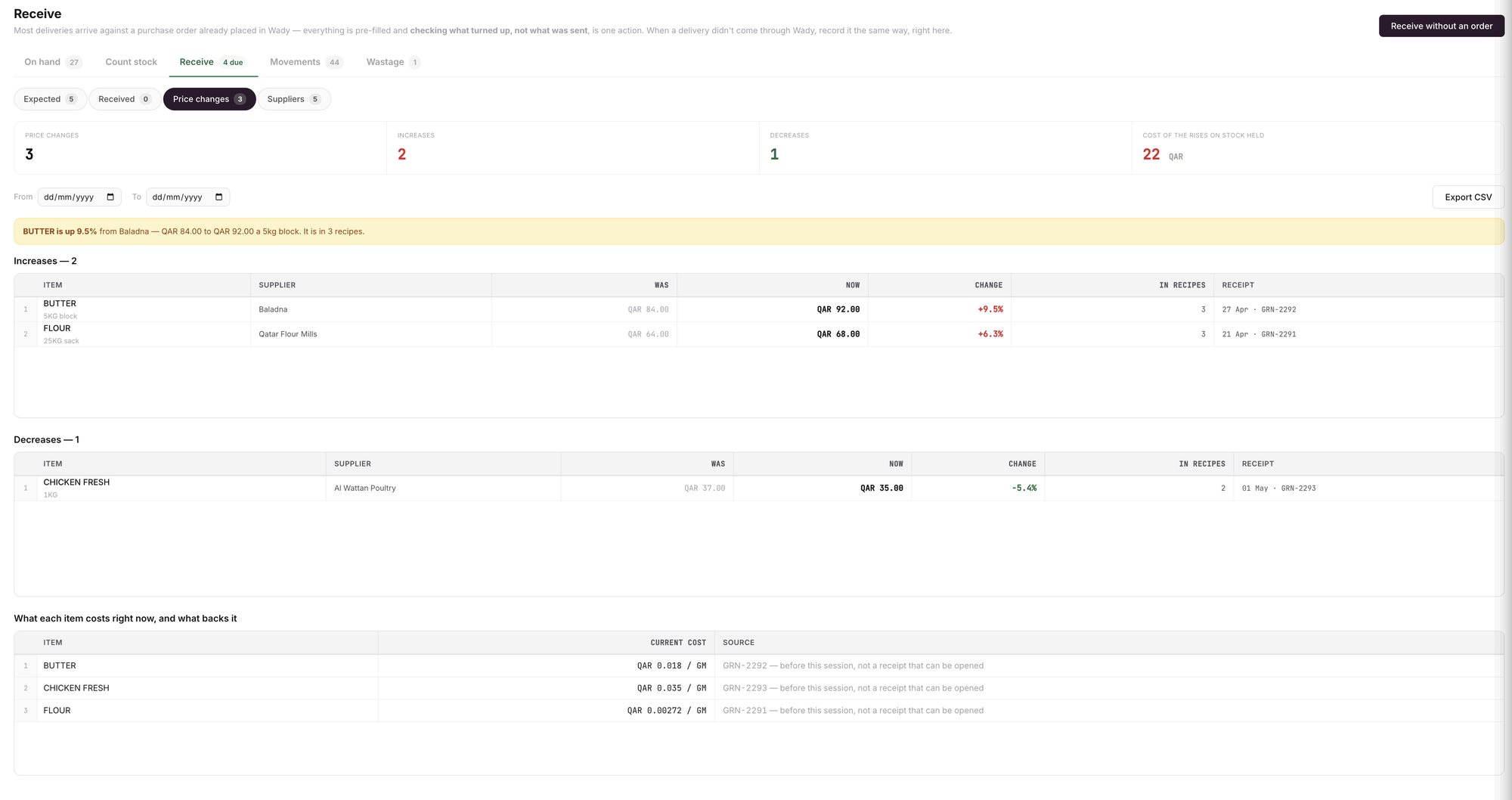
An example screen: the Receive page, with Receive without an order at the top right.
What happens after you post?
The receipt gets a number that starts with GRN-.
Each item gets a Received line in its history, so you can see the delivery and the document behind it. See stock movement history.
The balance goes up by what you received.
Related guides
Frequently asked questions
Did this guide answer your question?
Didn't find your answer?
Message us on WhatsApp or by email, and our team will get back to you.
Your kitchen's stock, recipes and costing, with numbers from real records.
More guides in this topic
How do I receive a supplier delivery?
What do I do when a supplier raises the price on delivery?

