Cloud-based supplier order management for small businesses
By Asaad Al Hashmi, Founder and CEO of Wady

Several kinds of software do it, from general ERP and accounting tools to food-specific systems. In Qatar, Wady offers a cloud-based order system for both sides of a small food business. Small restaurants and cafes order from their suppliers free in the Purchase System. Food suppliers receive and control those orders in the paid Order Management System. Wady runs in the browser and on the phone, so there is nothing to install on a server. This guide covers what small suppliers and cafes need, the questions to ask a provider, and how Wady works for each.
Key takeaways
Cloud order management runs on the provider's servers, so a small business needs no server and works from a browser or a phone.
A small supplier needs every customer order in one place, each customer's own price and a view of what each customer owes.
A small restaurant or cafe needs to order from all its suppliers in one place, at the prices it already has, with a record of every order.
Wady's Purchase System is free forever for restaurants, and suppliers pay for the Order Management System.
What does cloud-based order management mean for a small business?
It means the software runs on the provider's servers, and you use it through a browser or an app. You do not buy a server, hire someone to maintain it, or keep a computer switched on in the back office.
For a small food business, that comes down to five practical things:
No server. You open a web page or an app. Nothing to install or host.
Phone and browser. The owner can check an order from the car, and the team can work from any laptop.
Fast start. You sign up, add your customers or suppliers, and place the first order. No months of implementation.
One shared record. Buyer and supplier look at the same order, not two versions in two chats.
Low or no cost to begin. The price should not need a finance meeting.
Backups and uptime sit on the provider's side too. That is a benefit, but it is also a reason to ask about them. See the checklist below.
What does a small food supplier need from order management?
A small supplier needs every customer order in one place, each customer's own price, and a view of what each customer owes. The size of the business changes the volume, not the problem. The Ministry of Public Health's electronic food safety system, Watheq, registers food establishments, products and shipments. For a new cafe, see the software a cafe in Qatar needs.

Suppliers in Qatar told us the same things in meetings. These are things they said, not a measured study.
Three channels. Orders arrive on WhatsApp, email and phone calls, and eat the team's day.
Admin hours. Salesmen come back from the market and spend two to four hours on admin. One order can take 30 to 40 minutes.
Price worries. The first question is "will competitors see our prices?"
Credit. Month-end blocks, 60 days becoming 90.
A small catalogue in the buyer's head. One supplier put it this way: "I have 1,000 SKUs, they know 6."
So the checklist for a small supplier is short: one inbox for orders, a price per customer, control over who sees the catalogue, and credit you can see. A rep should see only their own customers. For the full detail, read what an order management system does for food suppliers.
What does a small restaurant or cafe need from supplier ordering?
A small restaurant or cafe needs to order from all its suppliers in one place, at the prices it already has, and keep a record of every order. It does not need a new set of suppliers.
The usual way is orders spread across WhatsApp groups, calls and emails, ordering from memory, and a message to the supplier just to check today's price. When a delivery arrives wrong, there is no clean record.
So the checklist for a small buyer is:
The supplier's catalogue and your agreed prices on screen
Minimum order and pack size shown as you add items
Delivery days and cut-off times already in
Every order saved with items, quantities and prices
A login for each person on the team
A way to add a supplier who is not on the system yet
If you want the buyer side in depth, see restaurant purchasing software and ordering on WhatsApp vs one app.
What should a small business ask before choosing a cloud provider?
Ask eight questions. The first four are about cost and setup. The last four are about risk.
What do I pay, and who pays? Ask for the price in writing, per month, with no extras you find later.
Is there a contract? Ask the minimum term and how to leave.
How long until the first real order? Minutes or days is good. Months is a different kind of project.
Does my team need training, and is it included?
Who owns my data, and can I export it? Ask what the export costs.
Where is my data backed up, and what happens if the service is down?
Does it work on a phone, and in Arabic? Your team may not all read English.
Does it replace my POS or accounting, or work next to it? Replacing them is a bigger project than a small business needs.
Be careful with any tool that charges per user. A small team with five logins can pay more than a large one expects. Qatar's Ministry of Public Health published a Food Safety Practices Guide for Food Services that includes traceability and recall requirements. Integration questions are in supplier order management integrations.
Cloud order management compared with the usual alternatives
WhatsApp, email and phone | Spreadsheet | ERP or accounting software | Cloud order management | |
|---|---|---|---|---|
Setup | None | Hours to build | Weeks to months | Minutes to days |
Where orders live | Scattered across chats | One file, typed by hand | Entered by your staff | One shared record |
Customer-specific prices | In memory or a price list | A column you maintain | Yes, set up by you | Built in |
Works on a phone | Yes | Awkward | Often limited | Yes |
Best at | Speed and familiarity | Quick tracking | Accounting and invoicing | Receiving and placing orders |
None of these is wrong. WhatsApp is fast and everyone already uses it. ERP and accounting software are right for your books. Cloud order management is for the step before both: the order itself. WhatsApp's own page for the WhatsApp Business app describes it as a way to talk to customers one-on-one, show products and answer messages while away. See also how to track supplier orders in Qatar.
How Wady helps with cloud order management for small businesses
How does Wady work for small suppliers and small cafes?
Wady works as one system with two sides, and the side you use depends on who you are. Wady is not a marketplace. It takes no commission on orders, and nobody sees a supplier's catalogue without that supplier's code.
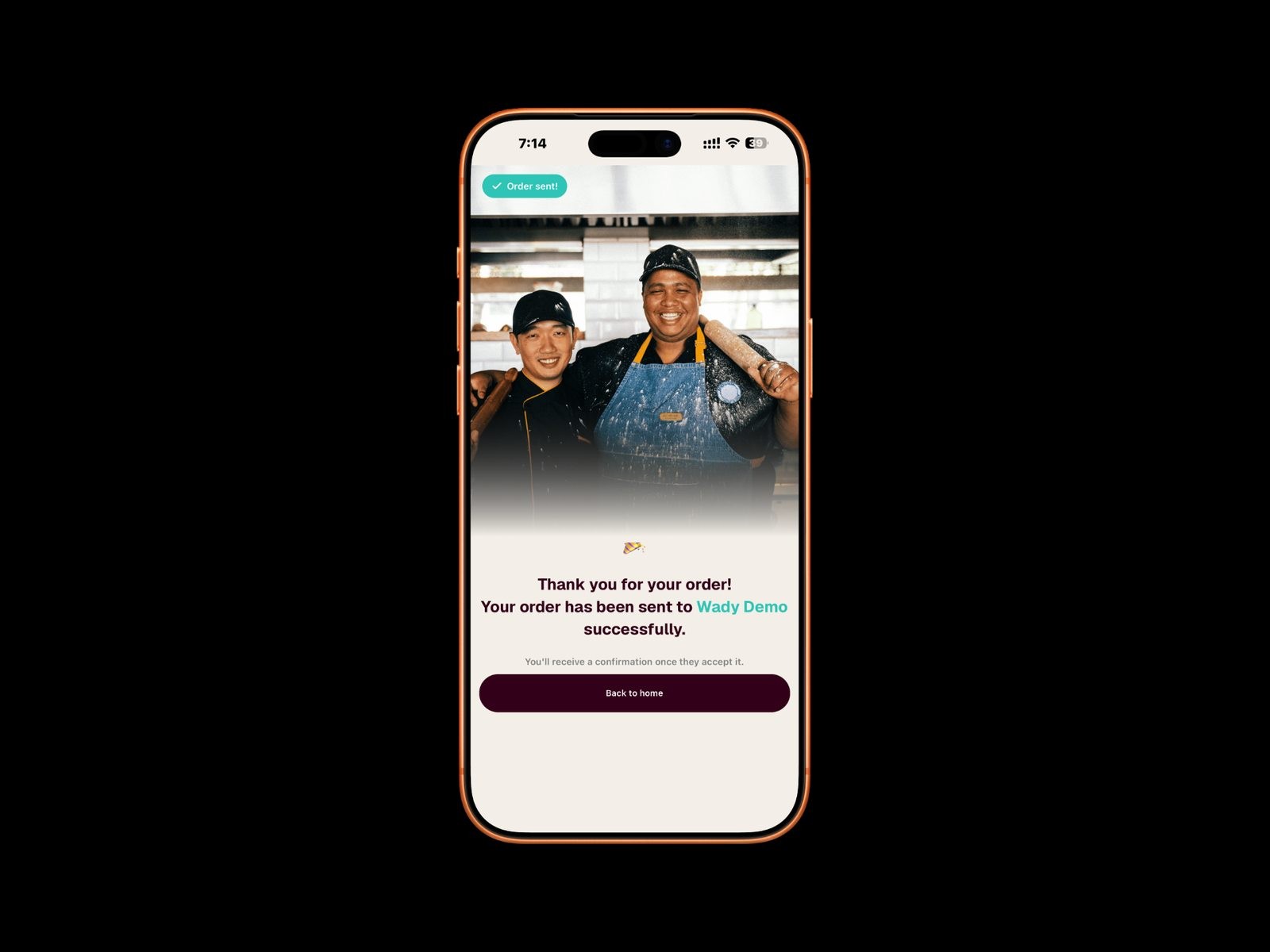
If you are a small restaurant or cafe: the Purchase System is free forever. Wady's own words are "100% free for restaurants. No fees. No contracts. Forever." Wady charges the suppliers, never the buyer.
It runs on iOS, Android and any browser at order.wady.ai, in five languages.
Setup takes about five minutes: your business, brands and branches.
You keep the same suppliers, the same prices and the same relationships.
A supplier not on Wady yet? Add them yourself with their products and prices. The purchase order goes out by email, and you are copied.
Everyone on the team gets their own login, with roles for admin, staff and contributor.
If you are a small food supplier: the Order Management System is the paid system for food suppliers and distributors. It runs as a web app at supplier.wady.ai.
Your customers order free, in the Wady B2B app or at order.wady.ai.
Each customer sees only their own price and their own minimum order.
The purchase order is generated when they send the order. You adjust it before you accept.
You see credit for each customer, per branch, and you can block an account.
Each rep gets their own account and sees only their own customers.
A customer connects with your code or invite link.
If you run one cafe that has outgrown a spreadsheet: Wady Central is the paid system for stock, purchasing and receiving, recipes and costing, and control and reports. It is built for any size, from one cafe up to a multi-branch group with a central kitchen, and it runs in any browser. It works alongside the POS and accounting you already have. You can export all your data, any day, free.
Over 100 businesses in Qatar already use Wady, including Crave Holdings and OMC. The app is rated 5.0 on the App Store.
What does Wady not do?
Wady does not find you new customers, and it does not replace your sales team. It makes the customers you already have order more easily. It also does not replace your POS or accounting.
The supplier price for the Order Management System is not on this page. Ask the team for it, and see pricing for what is published. Wady Central is priced from QAR 299 per outlet per month, early adopter price.
Talk to us
Tell the Wady team whether you buy food or sell it, and we will show you the side that fits your business. Contact: wecare@thewady.com or WhatsApp +974 7000 7658.
Frequently asked questions
Your customers' orders, prices and data, in one system.


